 NCraft Browser
A regular browser — just quieter
At the bottom of the window there is a search circle and a tabs button. Click the circle and it grows into the address bar; look away and the bottom chrome fades out of the page's way.
Address bar
- Searches four lists at once: recent queries, tabs and history, text on the open page, and commands. ⌘L / Ctrl+L.
- When focused, back / forward / reload slide away and a home icon appears — to the widgets screen. Esc in the field cancels typing; Esc outside collapses the bar.
- Search engine: macOS — from system settings; Windows — Google by
default, change with
/search(Google, Bing, Yahoo, Ecosia, DuckDuckGo). - Clicking the page, or scrolling insistently at its end, hides the bottom chrome; it comes back at the bottom edge.
"/" commands
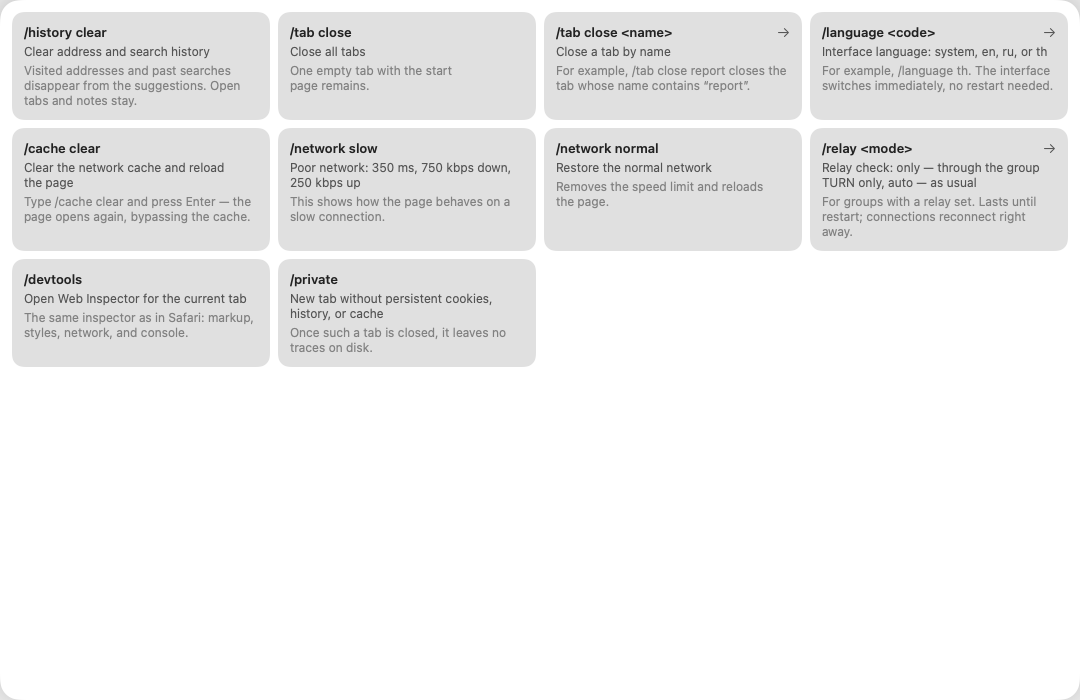
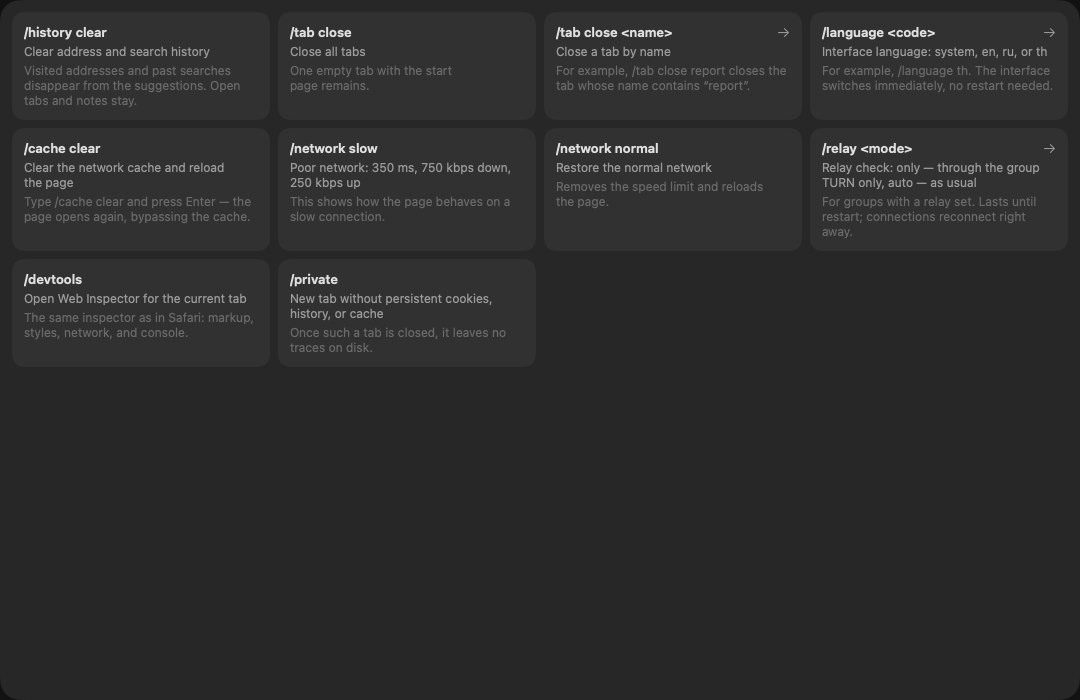
Type "/" in the address bar:
| command | what it does |
|---|---|
/private |
private tab: nothing kept on disk, invisible to remote requests |
/history clear |
clear address and query history |
/cache clear |
clear the cache and reload |
/devtools |
developer tools for the tab (Web Inspector / Edge DevTools) |
/network slow, /network normal |
emulate a poor network (macOS 14 or later) |
/tab close, /tab close <name> |
close unnamed tabs / the tab with that name |
/language system|en|ru|th |
interface language, no restart |
/relay only|auto |
connect only through the group's relay — to test TURN, until restart |
/search <engine> |
Windows only: search engine |
Tabs
- The tabs button opens the tab row; while it is open, the same button is "+".
- Order: current → with missed items → open → the rest. Reorder by hand; "Arrange automatically" restores the order.
- Give a tab a name. A named tab only closes after you confirm — the name is your work.
- A tab tile shows how much you missed in this page's discussions.
- Drag a tab out into its own window.
Site view (the settings strip on a tab tile)
- Device: phones 375 / 393 / 430, tablets 744 / 820 / 1024, orientation.
- Zoom (⌘= / ⌘− / ⌘0, Ctrl on Windows) — remembered per tab.
- Site theme: auto, light, dark; the window follows the site's colours.
Sites that ask get the theme hint right away (
Sec-CH-Prefers-Color-Scheme). Device and theme are remembered per domain.
What the engine supports
Uploading files to sites, downloads via a save dialog, site dialogs,
window.open, full-screen elements, WebGL. Camera, microphone and location
for sites — after your consent and the system prompt.
Not yet
A downloads list, website notifications, extensions, mailto: and other
external link schemes.
Browsing privacy
History (up to 500 visits), queries, cookies and site data stay on your device. Visiting a site sends nothing to your groups: a page's address joins a group only when you start a topic or a note about it — without the query string and anchor.
This page is a place to talk. Open it in NCraft: notes, tasks and chat about it sit right next to it, in an NCraft group.