 NCraft Browser
Tasks where the work is
A task in NCraft is tied to a site — and can be tied to a specific element on the page. Status, assignee, due date and discussion live in one card.
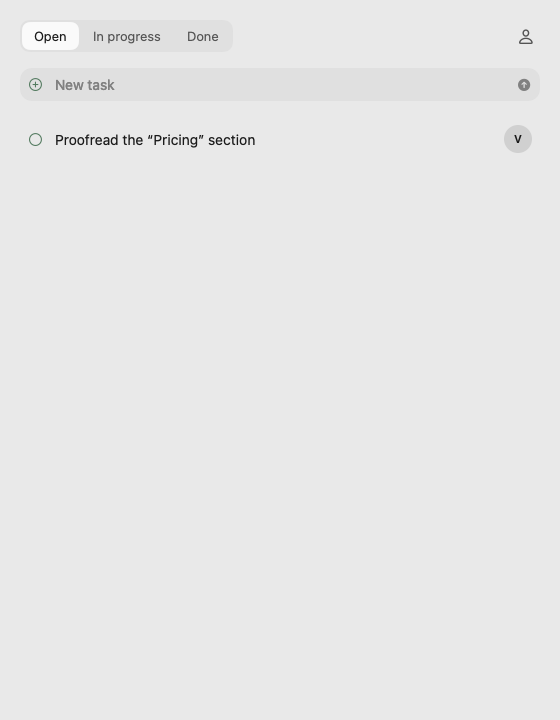
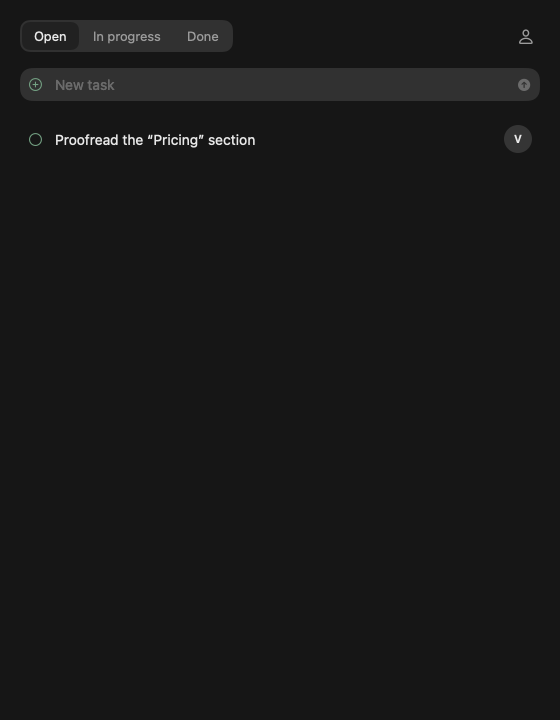
The Tasks panel
- Tasks for the open page's site; a "No site" tile for tasks without a page.
- Statuses: Open, In progress, Done — a segmented switch (icons in a narrow column).
- "Mine" — the button with your portrait: tasks assigned to you.
- New task — an inline row at the top.
- A dot marks new tasks from others.
The task card
- Title, status, assignee from the group's members (name or @nickname), due date, notes.
- Due date — a built-in calendar: month grid, "Today", "No due date".
- "Discuss" opens the task's chat in its topic (card changes are saved first).
- Delete with confirmation — for everyone or just for you.
Other ways to create a task
- "Make a task" on a note — in the note menu and on the element's (i) badge.
Reminders
- "Task for you" — a notification; clicking it opens the card.
- "Task due today" — once a day.
This page is a place to talk. Open it in NCraft: notes, tasks and chat about it sit right next to it, in an NCraft group.