 NCraft Browser
Profile: you are a key on your device
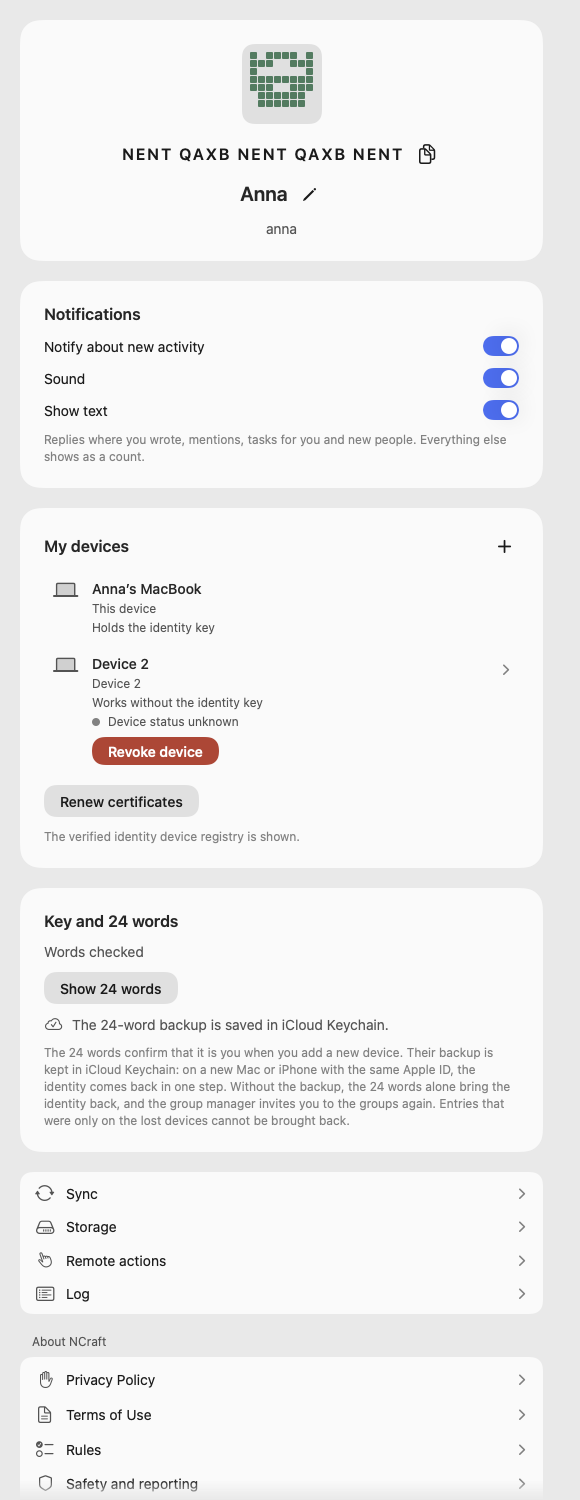
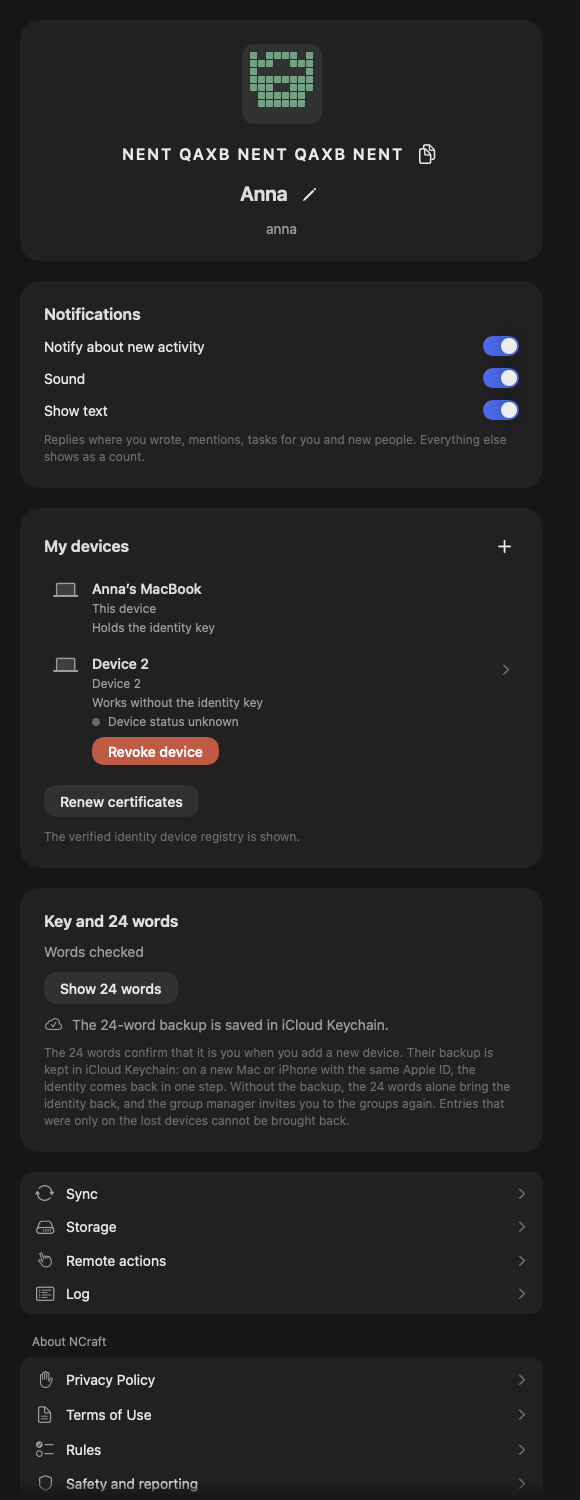
NCraft has no sign-in and no password. On first launch your device creates an identity — a key you can view and write down as 24 words. Everything about you and your devices lives in Profile.
First launch
- A "There is no sign-in here" screen with one question: do you already use NCraft on another device? "I already have an identity" — bring it back from the backup ("Restore identity"), add this device from another one of yours, or enter the 24 words (see /browser/devices); "No, create a new identity" — after a separate confirmation.
- A short profile with "Fill in later" — and straight to the working window with a personal group. No words at the doorstep.
- A consent line linking the Terms, Rules and Privacy Policy; documents open inside the app.
Identity
- Name (required), nickname, avatar — shown in your groups and synced to your devices. "Use my system name".
- E-mail is optional and stays on this device.
- Key pattern and fingerprint — how others recognise you when comparing.
The 24 words
- "Key and 24 words": a badge glows until you've viewed the words; "Check yourself" is optional.
- Windows only: Windows Hello before the words are shown; copied words are cleared from the clipboard after 30 seconds and kept out of clipboard history (Win+V).
- On a device without the identity key the button stays visible and explains why.
- Backup of the 24 words — on a Mac and an iPhone in iCloud Keychain (your profile shows whether it is saved), on Windows in Windows Credential Locker. NCraft for Android keeps no backup in the cloud. We never receive the backup; whoever opens your iCloud or Windows account can use it to take your identity — see /browser/security.
Notifications and language
- Notification switches; if the system turned notifications off, Profile says so.
- Language: system, English, Russian, Thai — no restart (
/language).
Sub-pages
- My devices, Sync, Disk space — see /browser/devices.
- Blocked — the list and "Unblock".
- Remote actions, Log — see /browser/remote.
- About NCraft — Privacy Policy, Terms of Use, Rules, Safety and reporting; "Write to the developer" (support@ncraft.live). Readable offline.
Forget identity
- Deletes the identity, the database and its key from this device. Warns up front that it cannot be undone; the key holder gets an extra warning.
- A tick box, on by default, also deletes the 24-word backup (iCloud on a Mac and an iPhone, Credential Locker on Windows). Untick it and the backup stays and can bring the identity back.
- On Windows it also erases browser history, tab names, notification settings, group order and the "site → group" memory.
- Copies other members already received stay with them.
A new device
Your identity comes back to a new device in three ways: from the backup, from another device of yours, or with the 24 words alone — then your previous devices are revoked as lost, and each group's manager invites you back (see /browser/devices).
This page is a place to talk. Open it in NCraft: notes, tasks and chat about it sit right next to it, in an NCraft group.