 NCraft Browser
Help, and a seven-step tour
The sixth panel is Help: how to search, which commands exist, how windows and columns work. The guided tour walks you through the essentials on a demo page — offline, with nothing to break.
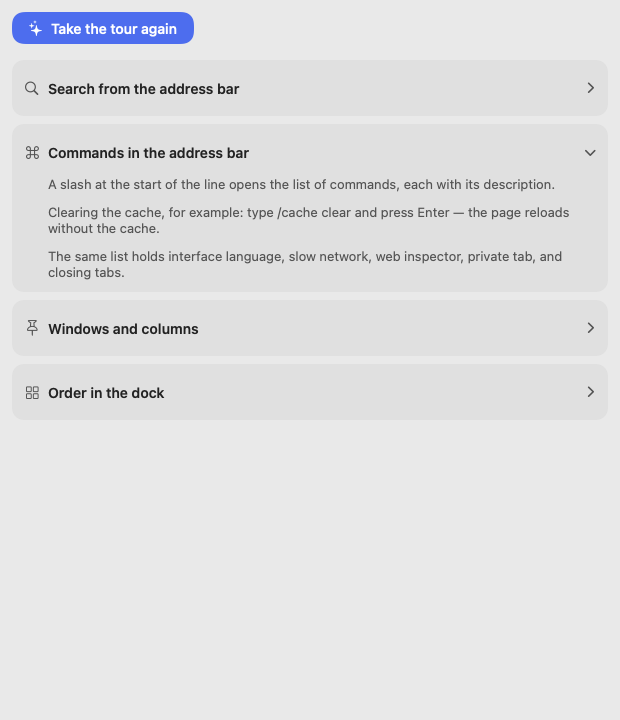
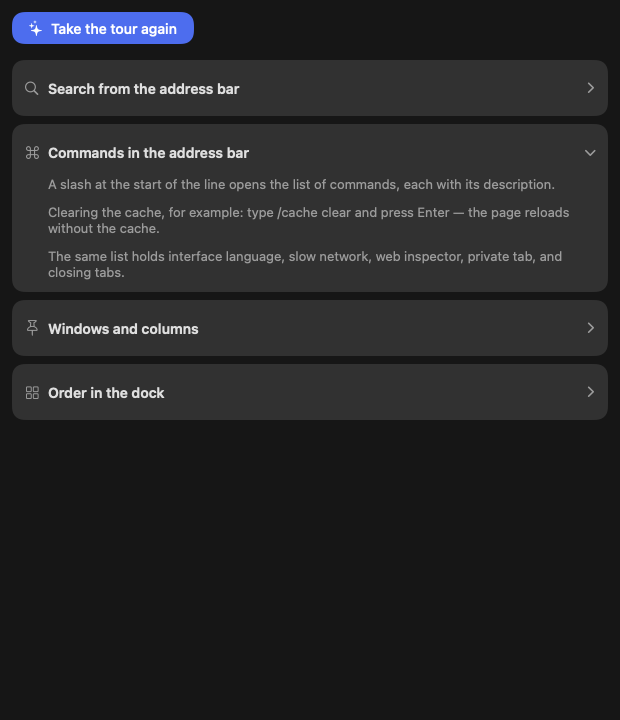
The Help panel
- Sections: search, address bar commands, windows and columns, dock order.
- "Take the tour again".
- There's no separate settings window: language and search engine are "/" commands.
The guided tour
- Starts by itself after the first sign-in; you can close it.
- Seven steps: group → note on an element → topic and chat → note to discussion → task → invite a person → add to a closed topic.
- A step counts when you actually do it; skipped steps stay visible; "Back" is available.
- Beacons show where to click: on breadcrumbs, "+", "…" and menu items.
- The demo page — a made-up airline-tickets site served from the app's memory: no network, not saved to history; translated with the interface (en/ru/th).
- Restart it with "Help → Take the tour again" or ✦ on the profile tile.
This page is a place to talk. Open it in NCraft: notes, tasks and chat about it sit right next to it, in an NCraft group.