 NCraft Browser
A group is your team and the sites it works on
A group in NCraft is a closed circle — your team and your clients — with a shared journal: topics, chats, notes and tasks per site. You join a group only by invitation. Every member holds a full encrypted copy; there is no server where the group lives.
Create a group
- "+" on the widgets screen or in the group crumb menu → "New group".
- A name is required, 1–48 characters, visible to all members. The same dialog offers "Join with an invitation".
Invite someone
- Far away — by code. A 26-character code in groups of four or a link
https://ncraft.live/join#<code>. The guest presses "Knock", the host — "Compare". The code sits after "#" and never reaches the website in the request. On iPhone and Android the link opens NCraft; in a browser without NCraft it opens a page with "Open in NCraft" and "Download NCraft". Oldernb://join/…links still work. - Nearby — by their code. The host scans the guest's QR code with the camera or pastes the string.
- Either way both sides compare six digits, so nobody can swap the guest in the middle.
- Owners, successors and admins can invite. A link works while the host keeps the invitation window open.
Members and roles
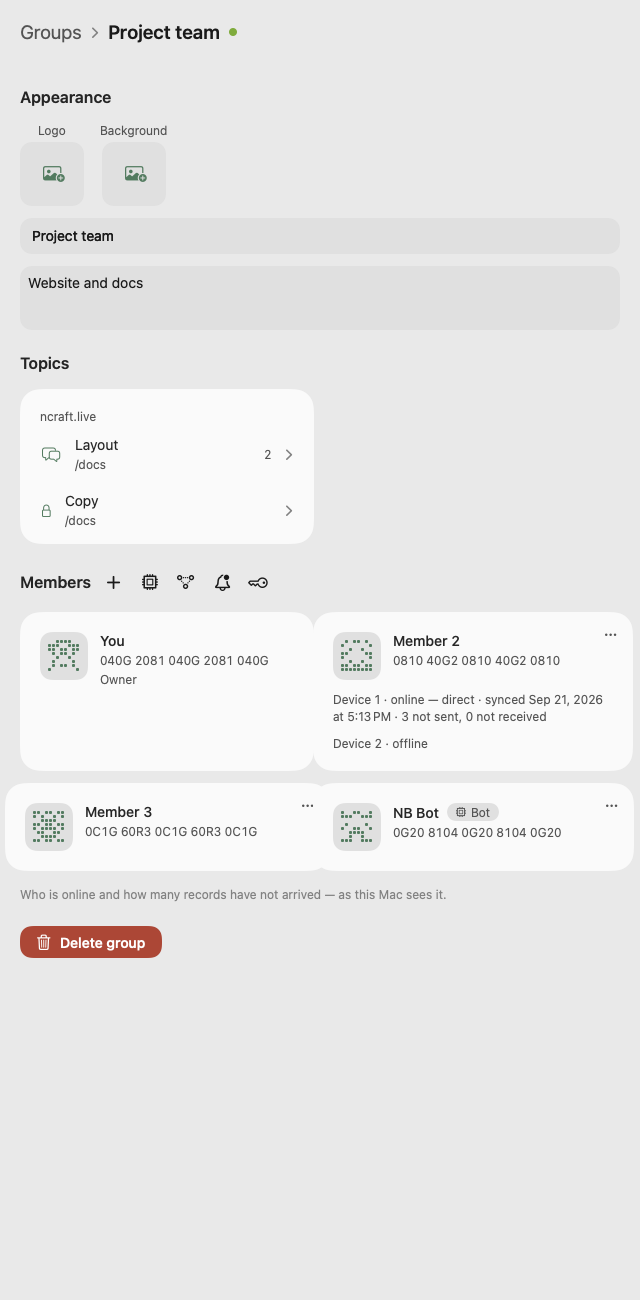
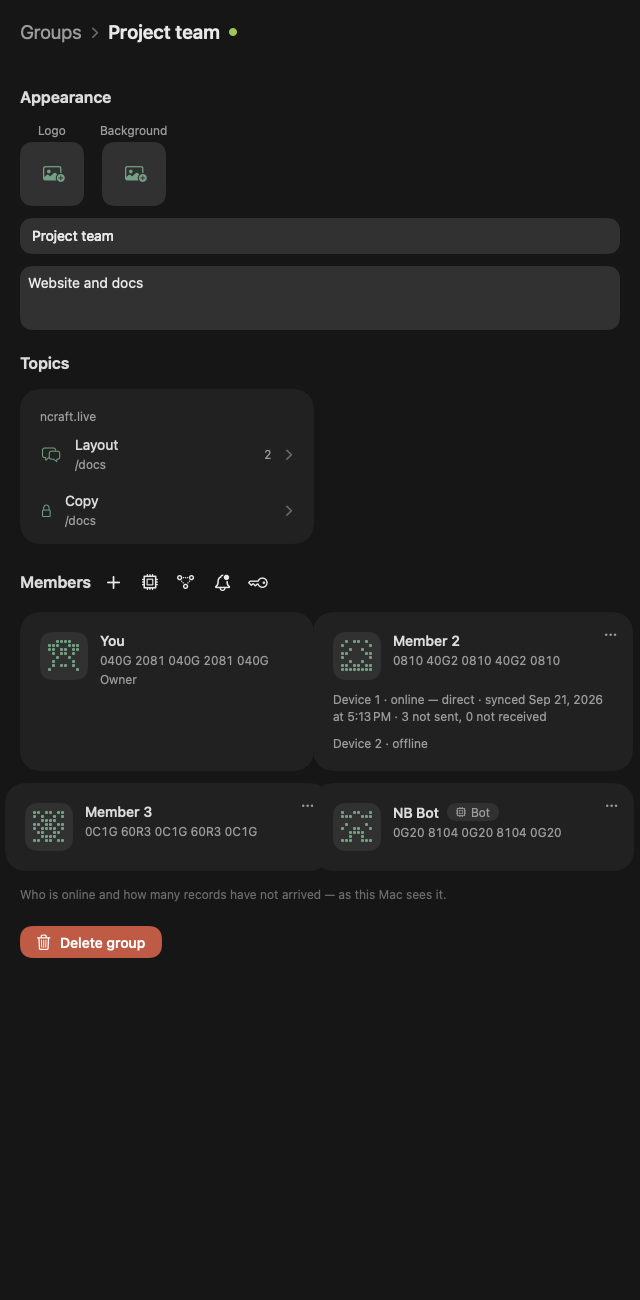
- "Members": roles (owner, admin, member), each member's devices with their connection path, avatars, a "Bot" label.
- Make or unmake an admin.
- Owner's successor: appoint one; an ownership claim with a transfer date (1–30 days, 7 by default); an active owner can "Refuse".
- Remove from group — owner and admins. The removed person stops getting anything new; what they already received stays with them.
- Leave a group; delete it for everyone — owner only.
- Change group keys — owners and admins: the group's meeting and notification keys change, and members receive the new ones on their own. It removes no one — a lost device is cut off with "Revoke device" (see /browser/security).
- Owner return (macOS, iPhone, Windows and Android). An owner who lost all their devices and got the identity back with the 24 words is invited into the group again by an admin, the successor or, if there is neither, any member; whoever invited can "Withdraw" it before the date. Members see the return; until it is final the new owner cannot remove members, change rights or delete the group, and their previous device can answer "Not me — refuse".
Moderation — tools for the group owner
- The group owner (and the admins they appoint) moderates the group: removes members, removes messages and handles reports.
- Block a member (for you, on all your devices).
- Report to the owner — a person or a message: one of six reasons, up to 2048 bytes of text. Reports are encrypted.
- The owner sees reports on all their devices and closes them with a decision; the author sees the status.
- Optionally email the developer at abuse@ncraft.live (you choose what to send).
Look
- Logo and background (built-in image editor), description, name — editable by owner and admins.
- Group card: topics as tiles per site, plus "No site".
Your own relay (TURN)
- If the direct path between members is blocked (strict NAT), a group can route traffic through its own TURN server: address, port, transport, login and password or a shared secret. Owners and admins edit it; members see the address.
- The relay sees only encrypted traffic and the IP addresses of the group's connections.
- The website build can install coturn on your server over ssh; store builds don't include this.
- To test:
/relay onlyin the address bar.
This page is a place to talk. Open it in NCraft: notes, tasks and chat about it sit right next to it, in an NCraft group.