 NCraft Browser
The widgets screen: what matters, on an empty tab
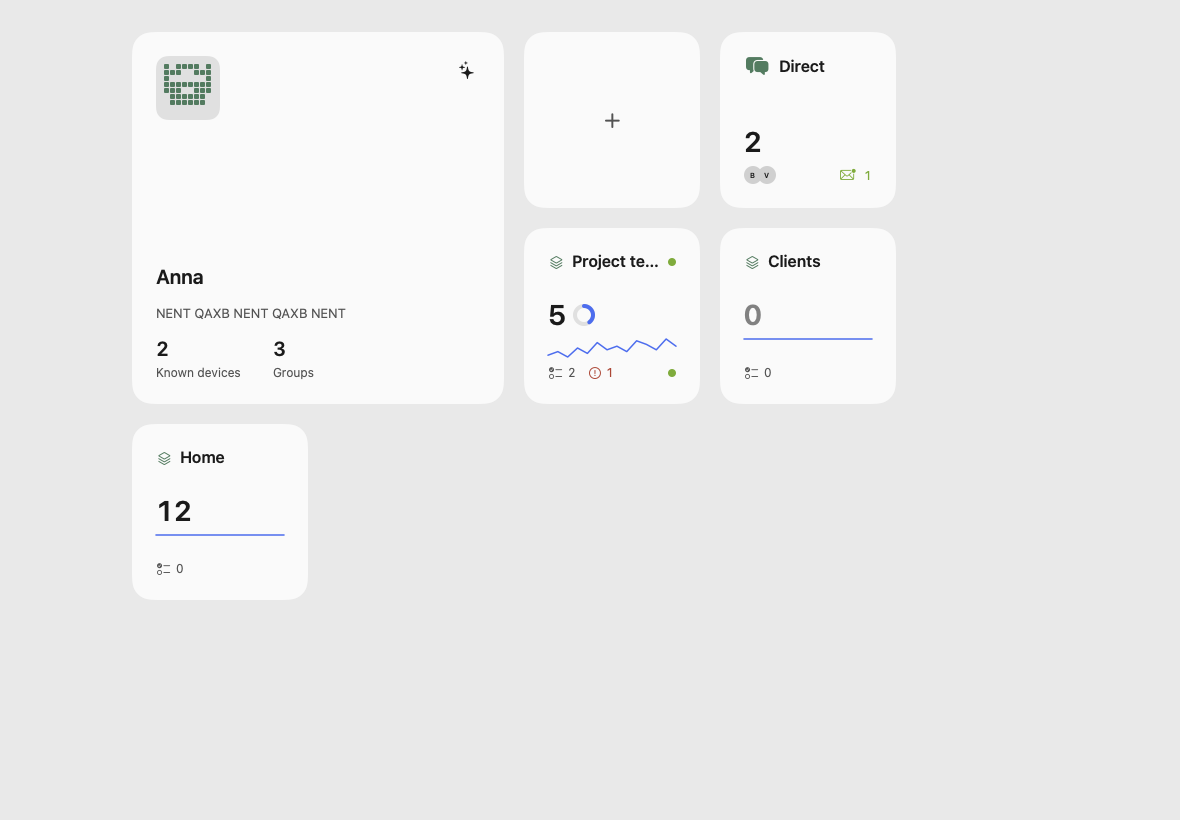
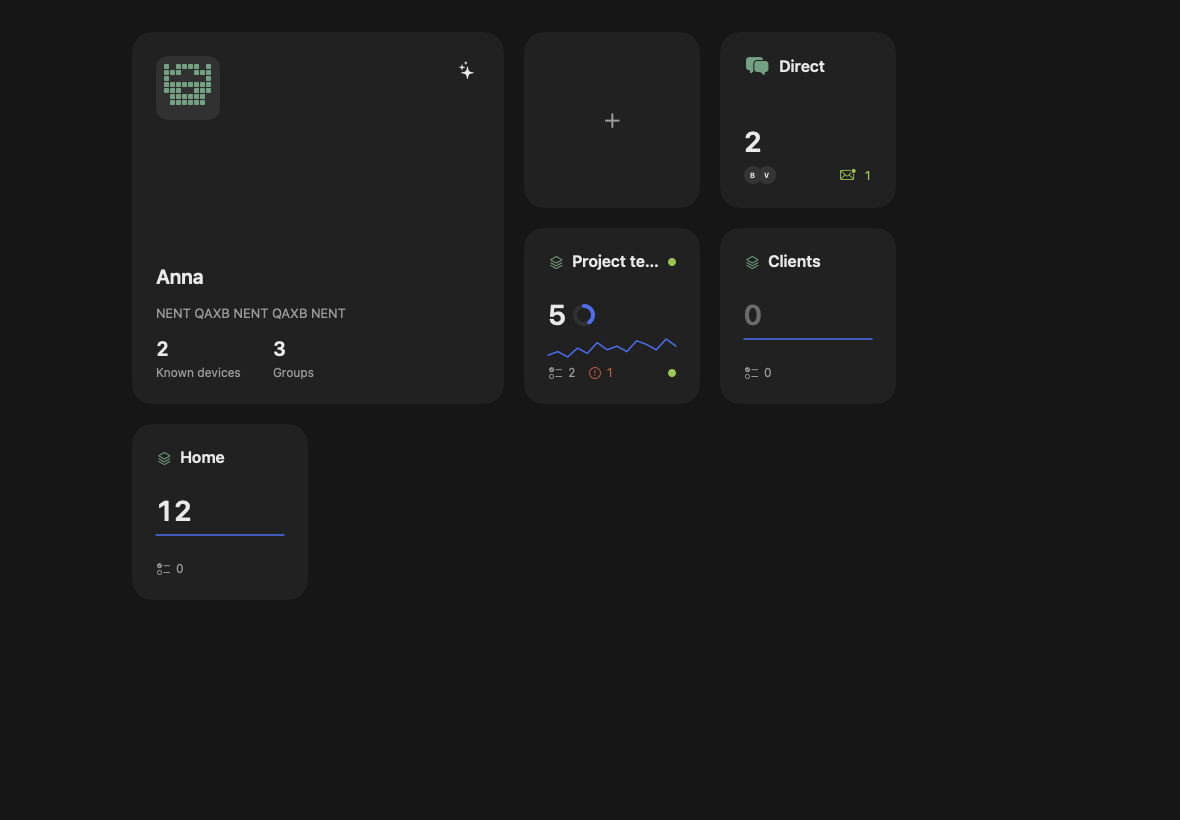
A new tab in NCraft is not a blank page but a grid of tiles: you, your groups and what you missed in them. The home icon in the address bar always brings you back here.
On the screen
- Profile tile (2×2). Key pattern or avatar, name, identity fingerprint, number of known devices and groups. Click to open Profile; the ✦ icon restarts the guided tour.
- "+" — new group, or join with an invitation.
- Direct — your direct conversations and unread messages.
- Group tiles, ordered by how often you use them: missed items, a ring of mentions and replies to you, a 14-day activity chart, your and overdue tasks, who is online, the group's logo.
- The number on a group tile opens "Missed" — newest first; a click takes you to the spot.
How to open
- New tab (⌘T / Ctrl+T).
- The home icon that replaces the magnifier in a focused address bar.
This page is a place to talk. Open it in NCraft: notes, tasks and chat about it sit right next to it, in an NCraft group.