 NCraft Browser
People — members of your groups
People are the contacts of your work groups: those you share a group with. NCraft has no user directory and no people search. Direct conversations with members start here.
In the panel
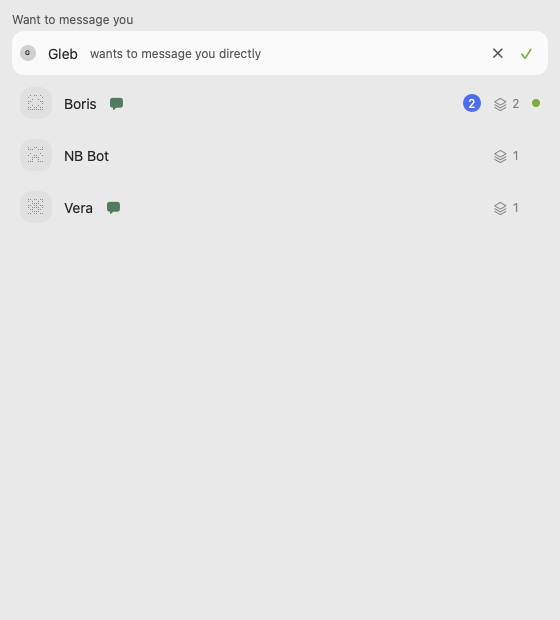
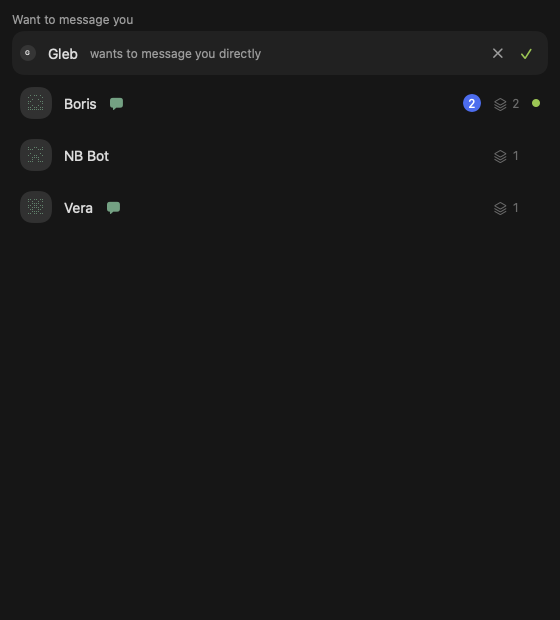
- "Want to message you" — invitations to a direct conversation: accept ✓ or decline ✕.
- Contacts — unique people from all your groups: key pattern or avatar, name, number of shared groups, online status, unread in your conversation.
- Sorted according to the interface language.
Contact card
- Key pattern, shared groups.
- "Message" — invite to a direct conversation.
- "Block".
Blocking
- Hides the person's content on all your devices; the list is in "Profile → Blocked", with "Unblock".
- Stored only on your devices.
How people get here
Only through groups: an invitation by code, by link, or by the guest's QR code nearby (see /browser/groups). There is no people search and no user directory.
This page is a place to talk. Open it in NCraft: notes, tasks and chat about it sit right next to it, in an NCraft group.