 NCraft Browser
Discussion — chat right next to the page
The Discussion panel shows the chat of the selected topic, a direct conversation or the group room. Talk about the page without passing links and screenshots around: your colleague opens the same spot.
Features
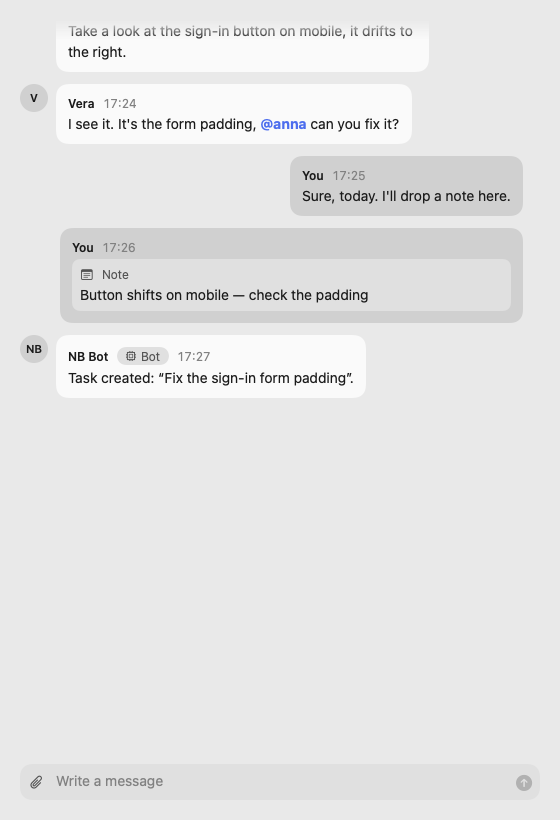
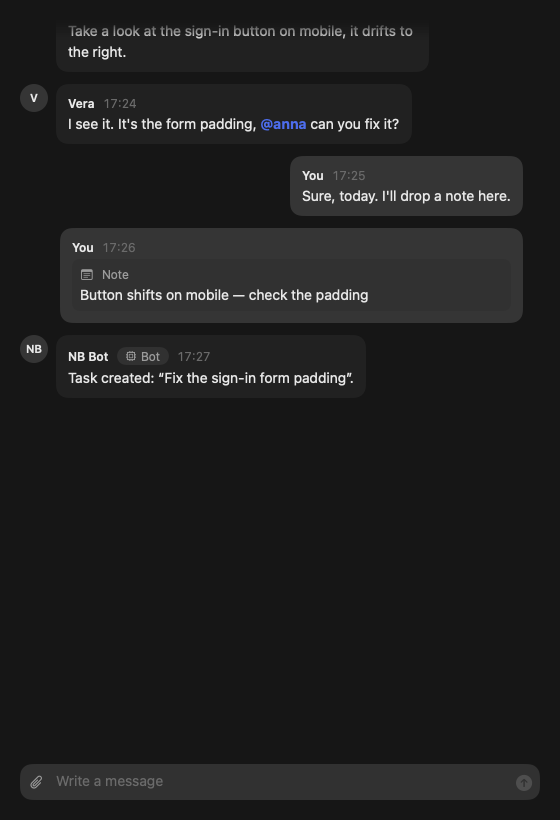
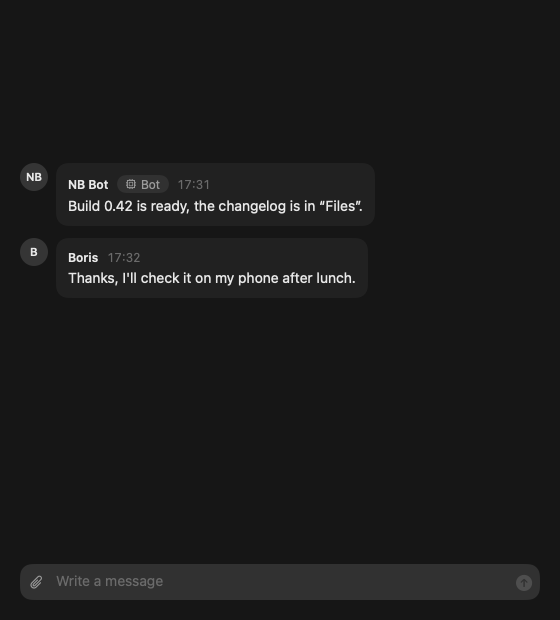
- Feed with avatar, name and time; your messages on the right. Bots are labelled "Bot".
- Enter to send, Shift+Enter for a new line.
- The feed opens at the end; older messages load as you scroll up.
@nicknamementions — suggestions while typing, highlighted in the feed.- The first message about a page creates a general topic for it.
- Note cards in the feed: drag a note into the chat or choose "To discussion". Hovering the card highlights the element on the page; clicking scrolls to it.
- Delete a message for everyone or just for you; "Copy"; text is selectable. Authors, owners and admins can delete for everyone.
- Report message — in the menu of someone else's message; the report goes to the group owner, encrypted.
Group room
Every group has a "Group room" — a conversation outside websites: for the group's business when no page is needed.
- With no website open, Discussion shows the group room's feed and message field. The breadcrumbs read "Group › Group room › chat".
- On a page, the group room is in the topic menu, above the page's topics (see /browser/topics). It can't be deleted: the group always has somewhere to write.
- Until someone writes there, you see "Nobody has written in the group room yet — write the first message."
- A notification about a message in the group room opens the room itself, without going to a page; read the feed to the end and the unread mark clears.
- On macOS and iPhone; Windows and Android — later.
Files
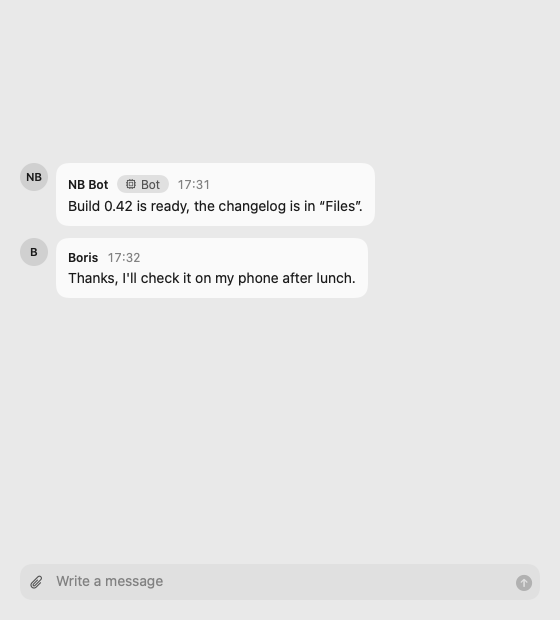
Files travel from device to device: there is no cloud, and files never pass through NCraft servers. Only a thumbnail arrives right away; the preview and the file itself download when you tap — from members who already have the file and are online. A file you send is at first only on your device, and then on the devices of those who download it.
- Attach with the paperclip next to the message field or paste from the clipboard; on macOS and Windows you can also drag and drop. A message can be just files. Files over 1 GB can't be sent — you're told right when you pick one.
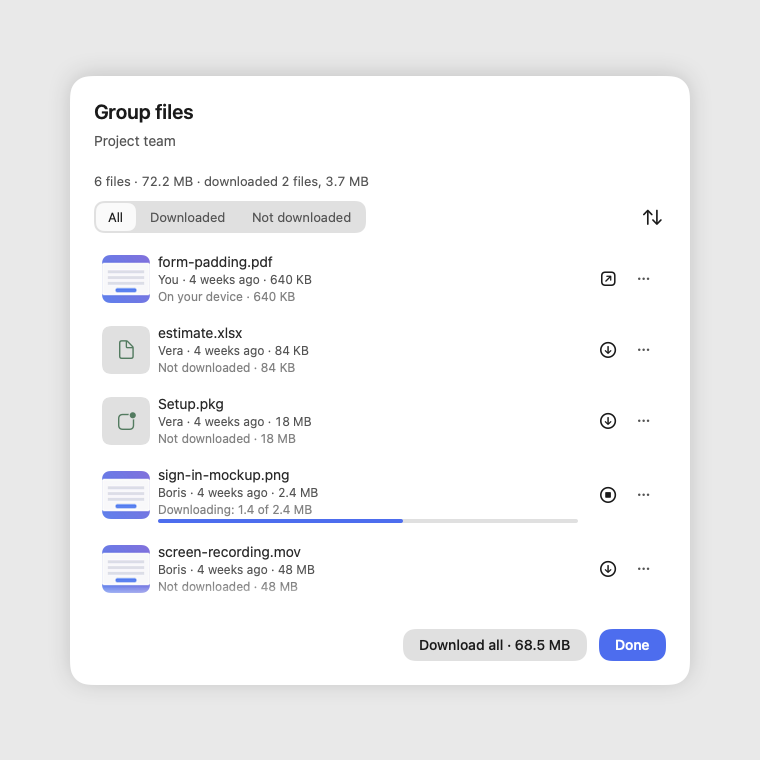
- The card in the feed: a thumbnail for images, videos and PDFs, the name and a status line — "Not downloaded", "Downloading: 2.1 of 6.4 MB", "Downloaded to this device", "… has the file and is offline right now". Tapping the thumbnail shows a preview without downloading the original.
- File menu: "Open" and "Pin" — the file stays on this device. On macOS, Windows and Android — "Save As…", on iPhone — "Save to Files" and "Share". On macOS there is also "Show in Finder", on Windows — "Show in File Explorer".
- Remove from this device (macOS) — in a downloaded file's menu: space is freed on this device only, the file stays in the feed as "not downloaded" and downloads again when you tap it. Unpin a pinned file first; your own file that hasn't reached any member yet can be removed after a sync.
- Drag a card out of the feed into Finder or another app (macOS) — the file lands there; if it isn't on this device yet, it downloads, with the progress shown right where you dropped it.
- "Download all" below the feed (macOS) — when a member is online with files you don't have: "… is online with N files you don't have — X". Only your tap downloads; a dismissed offer doesn't come back.
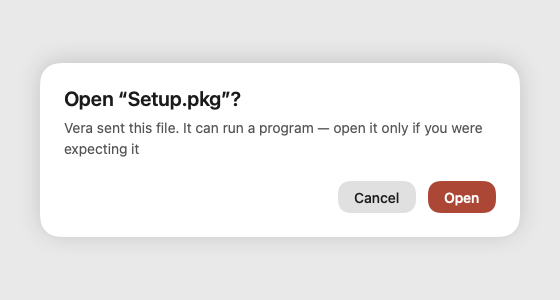
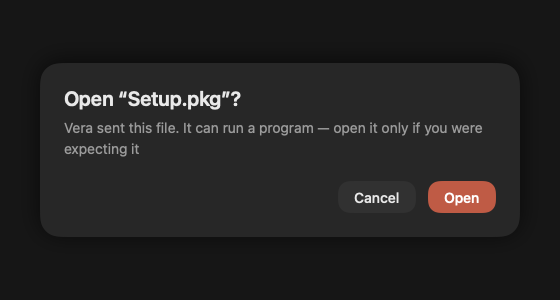
- Programs: before opening a file that can run a program, NCraft warns you and says who sent it. NCraft has no antivirus of its own: on macOS and Windows a saved file carries the system's download mark, so Gatekeeper, SmartScreen and your antivirus check it from there. On Android, app packages (apk) can only be saved — you install them yourself.
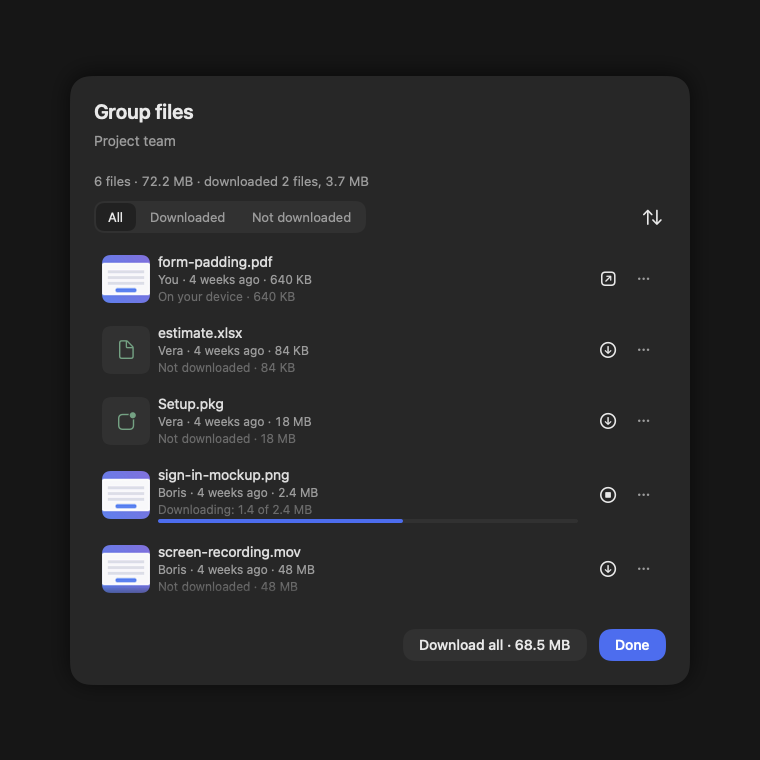
- The Files section — for a group, page, topic and chat, in the breadcrumb menus (see /browser/topics): how many files there are and how many are downloaded, an "All / Downloaded / Not downloaded" filter, sorting, "Download all". On macOS an open section shows files other members attach right away.
- Files work on macOS, Windows, iPhone and Android.
Direct conversations
- A direct conversation is a separate space for two. Invite from People, or with "Message" on a contact card.
- Until the other person accepts you see "Waiting for consent"; what you write is kept.
- Header "Direct › name". The call button appears in the header once the other person has joined (see /browser/calls).
- Either person can delete the conversation for both.
Notifications
While NCraft is running — a system notification for replies, mentions and direct messages; the place you're already looking at doesn't disturb you. "Mute" is available per group and per chat. On macOS a notification about a message with only files says "File" or "N files".
This page is a place to talk. Open it in NCraft: notes, tasks and chat about it sit right next to it, in an NCraft group.