 NCraft Browser
A note — on a page or on one of its elements
Select a button, a paragraph or an image on the page and leave a note on it. Everyone in the group sees a neon (i) badge on that element.
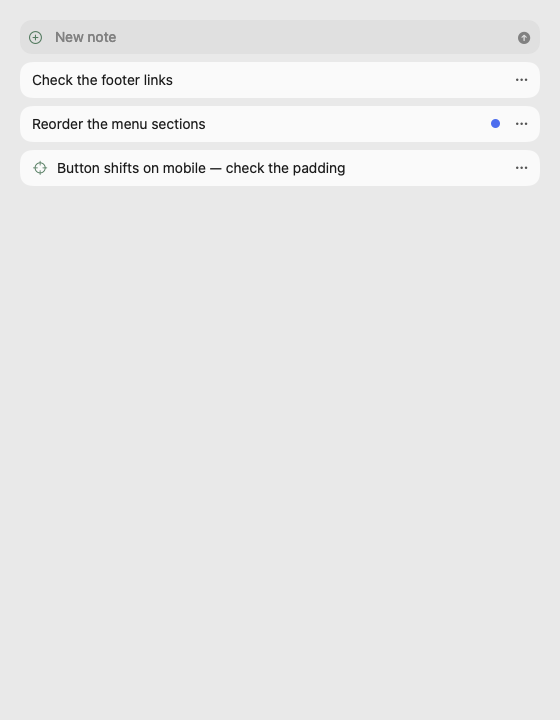
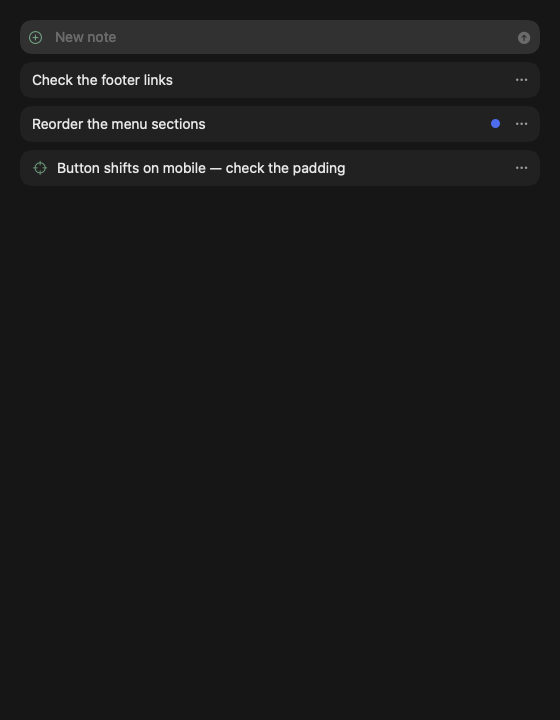
The Notes panel
- New note — an inline row at the top; it's filed under the open page.
- Notes for the whole domain are shown; with no site open — "Open a site".
- A dot marks new notes from others.
- Note menu: "Copy link", "To discussion" (a card in the chat), "Make a task", delete for everyone or for yourself (author, owner, admin).
- A switch in the panel header shows or hides (i) badges; it's remembered.
Picking an element
- macOS: Control-click, or ⌘⇧N for selection mode.
- Windows: Ctrl+click (and Ctrl+right-click), or Ctrl+Shift+N. Ctrl+click on a link doesn't open it.
- A plain right-click stays the site's and browser's menu.
- An action island appears above the element: note on element, copy the element's address, drag the element.
- On macOS the highlight of the selected element sits exactly around it at any page zoom, not just 100%.
A note on an element
- A dialog in the middle of the page quoting the element.
- The (i) badge: hover for the notes' text, click for the element menu ("To discussion", "Make a task", delete).
- If the page changed, the badge and highlight move to the nearest parent, in orange, with an explanation.
- Hovering a note in the list highlights the element; clicking scrolls to it (on another page — after it loads).
Screenshot notes
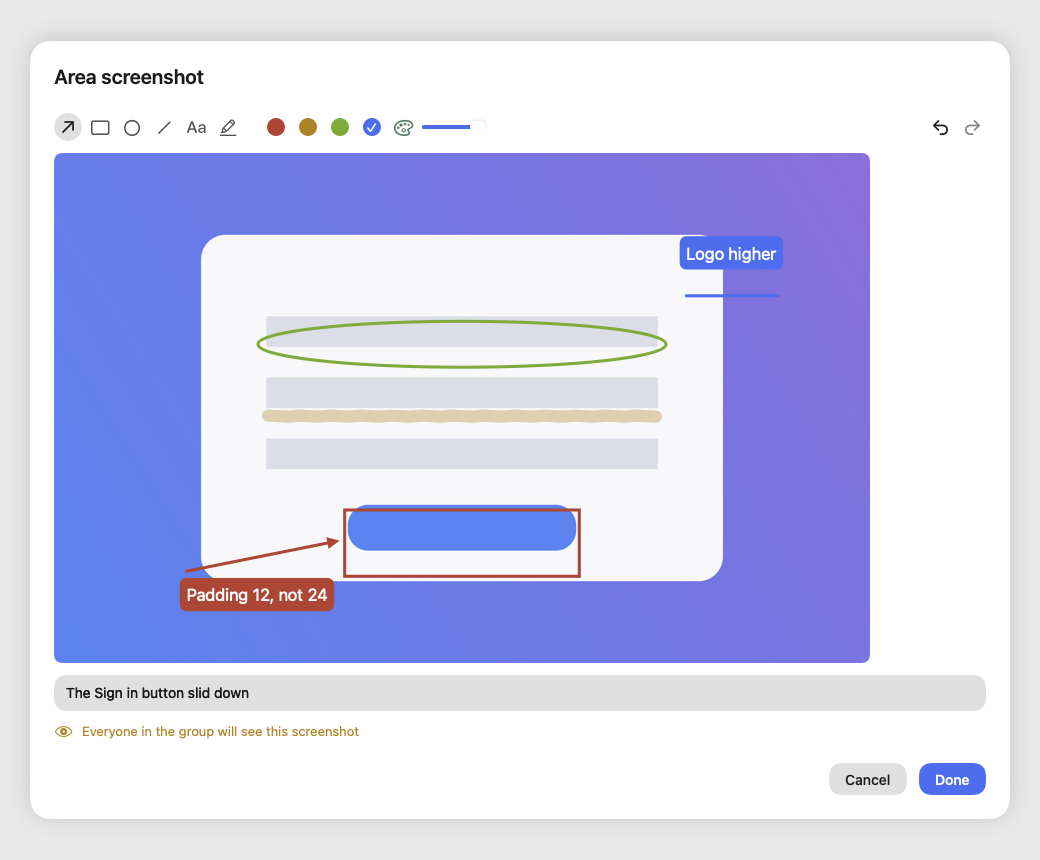
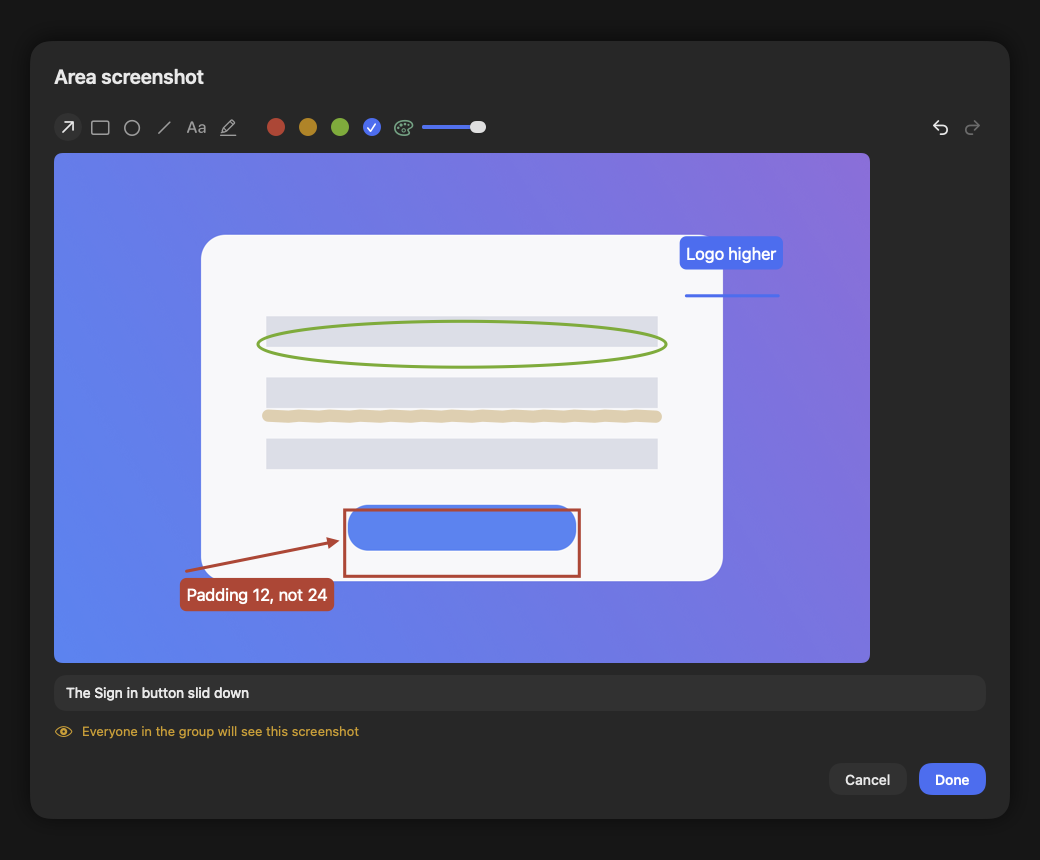
Show it instead of describing it: take a screenshot of the page or part of it, mark what matters and add a caption — everyone in the group sees exactly what you saw.
- What you can capture: the visible page, an area of the page — framed with the mouse or a finger — and, on macOS and Windows, your whole NCraft window. Other apps' windows and the screen are never captured; on macOS no Screen Recording permission is needed.
- Buttons: "Window screenshot" (macOS and Windows), "Page screenshot", "Area screenshot" and "Mark up" — the page with an arrow ready (except on Android). On macOS they sit in the Notes header (in a narrow panel — one button with a menu); on Windows, iPhone and Android — as a row in the Notes section.
- With no site open (macOS): "Window screenshot", "Area screenshot" and "Mark up" work without a page too — to show what's wrong in the browser itself. The area is then framed on a screenshot of the whole window.
- Markup: arrow with a label, box, oval, line, text, highlighter; four colors; undo and redo. A caption for the screenshot. If the page has input fields you're warned: "Everyone in the group will see this screenshot".
- Color (macOS): besides the four colors — "Custom color" from the system palette and an "Opacity" slider from 20 to 100%. The color applies to the selected mark too; your last custom color is remembered.
- Editing marks (macOS): click a mark to select it — move it, drag its handles, recolor it, or delete it with Delete (⌫), the × badge or "Delete mark" in the right-click menu. Double-click a text or an arrow to edit its words in place. New marks are drawn on empty space; undo and redo cover edits too.
- "Mark up" on macOS captures your whole window and lays the canvas exactly over it, with no separate editor window; tools, caption, "Undo" and "Done" sit on a floating panel you can move aside.
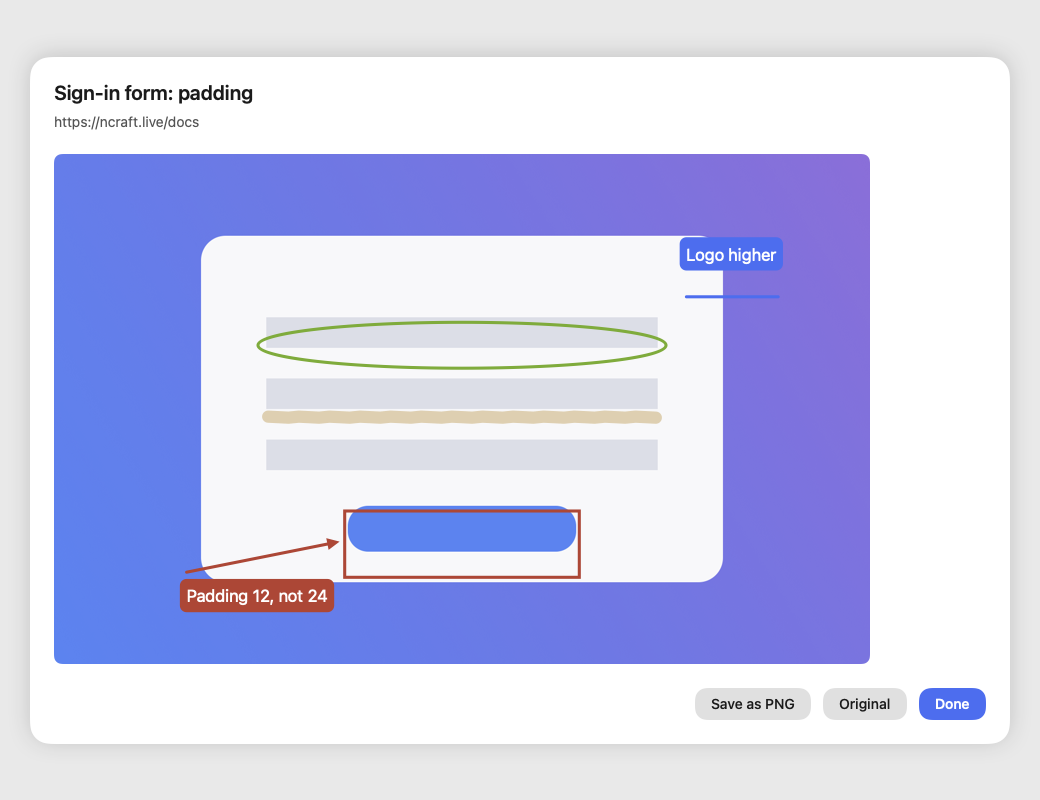
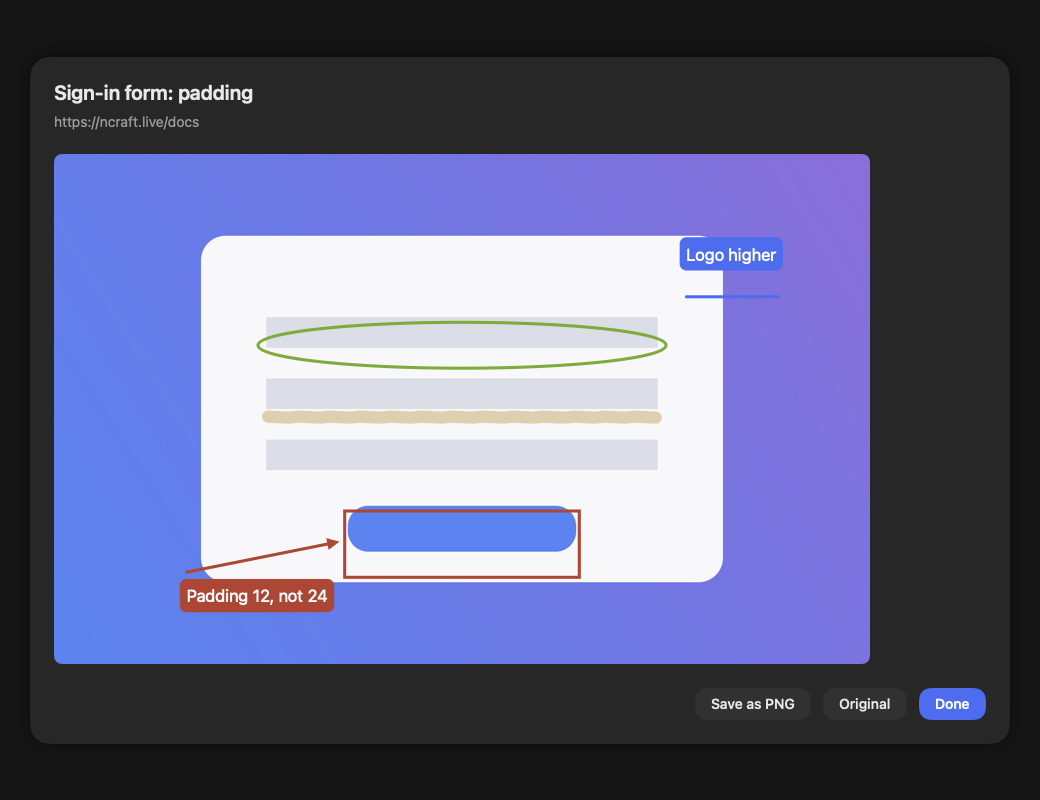
- For other members: a row with a thumbnail right away. Tap it for the view with markup; "Original" downloads the source image, "Save as PNG" saves a copy with the markup burned in (on iPhone — "Save to Photos" or "Save to Files"). A screenshot is a group file, so it also shows up in the Files section.
- A sent screenshot can't be edited — like any note.
- Page and area screenshots work on macOS, Windows, iPhone and Android; window screenshots — on macOS and Windows.
Not yet
Editing a note — delete it and write a new one.
This page is a place to talk. Open it in NCraft: notes, tasks and chat about it sit right next to it, in an NCraft group.